Clean up iPhone storage in minutes
CleanPro helps you find duplicate & similar photos, screenshots, large/duplicate videos, duplicate contacts, and more — safely, on-device, with no uploads.
Smart Clean: one-tap scan
Private by design: on-device
Scan photos + videos in one flow and clean what you select.
Review-first workflows — you confirm deletions and merges.
Duplicates, similar photos, screenshots, videos, contacts, vault.
iOS 15.0+
Works offline
No sign-up
Free download + Premium options
Widgets + 9 languages
1
Scan for duplicates
On-device scanning
CleanPro scans your photo library and identifies exact duplicates — no uploads.
2
Pick what to keep
Review duplicate groups
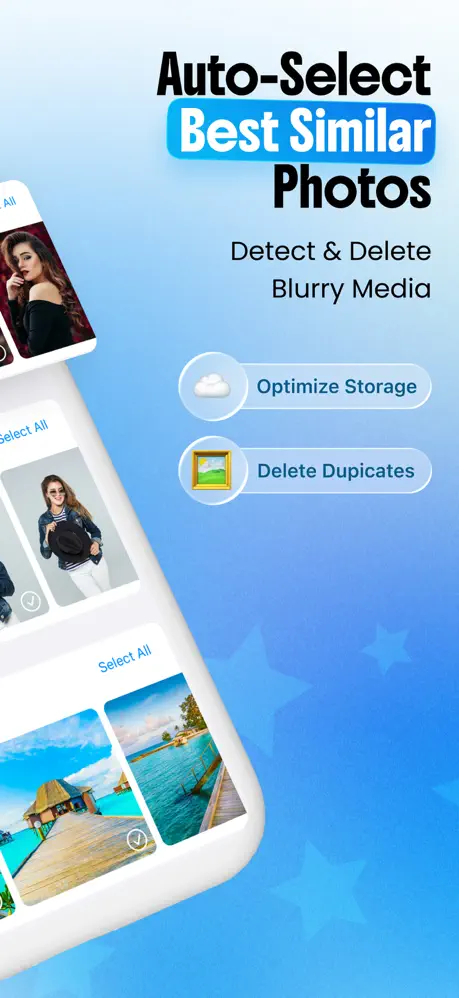
See duplicates grouped with thumbnails and sizes. Keep the best photo in each group.
3
Delete safely
Confirm and clean
Deleted items go to the Photos “Recently Deleted” album first, so you
can restore them if you change your mind.
Smart Clean
One-tap unified scan across duplicates, similar, screenshots, and videos.
Duplicate Photos
Exact duplicate detection with grouping, sorting, and safe deletion.
Similar Photos
Find near-duplicates (bursts/retakes) and keep the best shot.
Screenshots
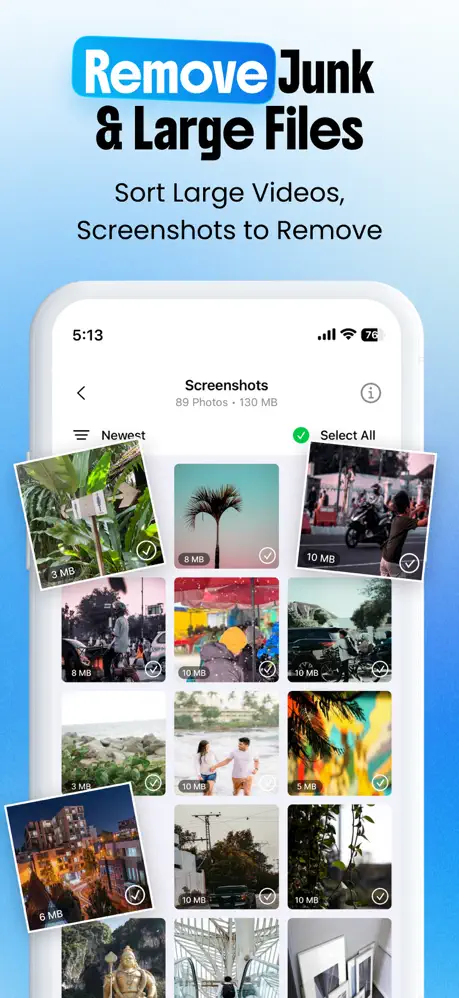
Review screenshots in a gallery, sort by size/date, and batch delete.
Large Videos
Spot storage-heavy videos, preview, and remove what you don’t need.
Duplicate Videos
Detect duplicate videos and clean safely while keeping your preferred copy.
Media Compression
Compress photos and videos with quality presets and progress tracking.
Secret Vault
PIN-protected space for secret photos and secret contacts (encrypted).
Widgets + Battery
Home screen widgets and battery monitor to keep an eye on your device.
Localization + Settings
9 languages (including Arabic RTL) and full settings for support, restore, and more.
Scan caching
Repeat scans can be faster by caching results and reacting to library changes.
Subscription management
Free download + Premium options, restore purchases, and premium feature access.
Notifications (optional)
Local reminders can deep-link you back into scanning or the vault.
Remote configuration
Feature flags and limits can be updated without requiring an app update.
Analytics & attribution
Used to improve the product; website analytics uses consent controls. See Privacy.
Find large videos
Sort by file size, preview, then delete or compress for big savings.
Compress videos
Save space without deleting: presets, savings estimates, progress tracking.
Browse all guides
See the full library and pick the fastest win for your storage situation.
Images sourced from the official App Store listing of CleanPro.
No. CleanPro analyses your library directly on your device. We don’t upload
your photos or videos to our own servers.
Yes — you always confirm what gets deleted. On iOS, deletions first go to
the Photos “Recently Deleted” album so you can restore if needed.
Yes. CleanPro lets you sort duplicate groups by size (and other options) so you can
focus on maximum storage savings first.
If you use iCloud Photos, deletions sync across your devices. CleanPro follows iOS
rules — you still confirm what gets deleted.
Yes. CleanPro includes large/duplicate video tools, media compression, duplicate contact merging,
and local contact backup/restore. See
all features.
Smart Clean is a one-tap scan that checks multiple categories (duplicates, similar photos, screenshots,
videos) and shows progress and potential savings in a single flow.